When you do not know what to do
The honest answer in a first terminal session was "I do not know what to do". That sentence is the start. Copy the error, paste it to the agent, paste its answer back. Something was not installed, and the agent installed it.
- Where
- In the terminal, with Claude Code
- Size
- A quick one
- Short link
- piy.show/s111
I do not know what to do
Another moment from a guest's first terminal session. Something would not run, and the honest answer was: I do not know what to do.
That sentence is the start, not the end. When we do not know what to do, we ask him. We copy the error, we paste it, we show him what we see.
 What do I do when I am stuck?
 Prompt it yourself
I do not know what to do next. Here is what I see on my screen. What is the next step?
Copy, paste, copy, paste
Copy the error. Paste it to the agent. Then copy what the agent says and paste it back into the terminal. Copy, paste, copy, paste. That is the whole skill.
You are not expected to read the error. You carry it between two windows.
How do I do this step myself? Prompt it yourself
Here is the error. Explain it in one line, then give me the exact thing to paste back.

I can help you build yours
I build things like this with an AI agent, on my own computer. In a private session I help you do the same with your idea. Or bring it to the show, free.





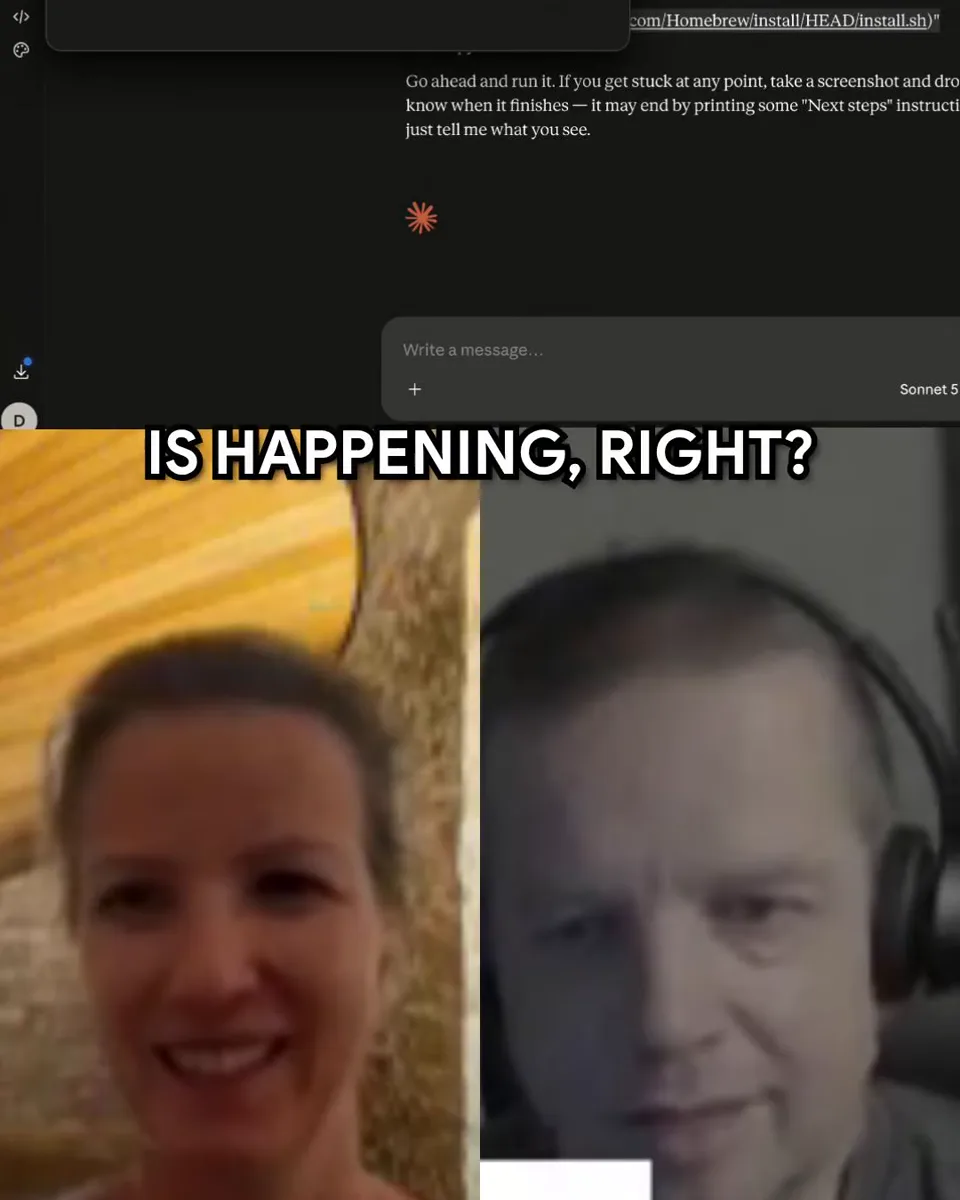
It was not installed yet
What was happening: the thing we tried to run was not installed on the computer yet. The agent worked that out from the error, and did its best to install it.
It is going to be sad for a second. Then it fixes it. Let it.
Why was it not installed already? Prompt it yourself
Is something missing on my computer? Install what is needed, and tell me what you installed.
Yes
It ran. From "I do not know what to do" to yes, in a few pastes.
Keep this loop for every error you will ever see. Stuck, copy, paste, read, paste back.
 What do I do next?
 Prompt it yourself
It works now. What did we fix, in one sentence, so I remember it?
Do it in the terminal
I do this with Claude Code, the AI agent in the terminal. It works in a folder on your own computer, so it reads your files every time and can look things up for you.
A web chat works too, but there you paste everything in again in every new chat.
-
Get Claude Code
It comes with Claude Pro, US$20 a month, paid to Anthropic. Claude's plans
-
Make a folder for it, and open it
mkdir -p ~/projects/my-first-project && cd ~/projects/my-first-project
-
Start the agent
claude
-
Ask it
I do not know what to do next. Here is what I see on my screen. What is the next step?
Never opened a terminal? In a private session I put Claude Code on your computer with you, and you start your first idea.
 Prompty