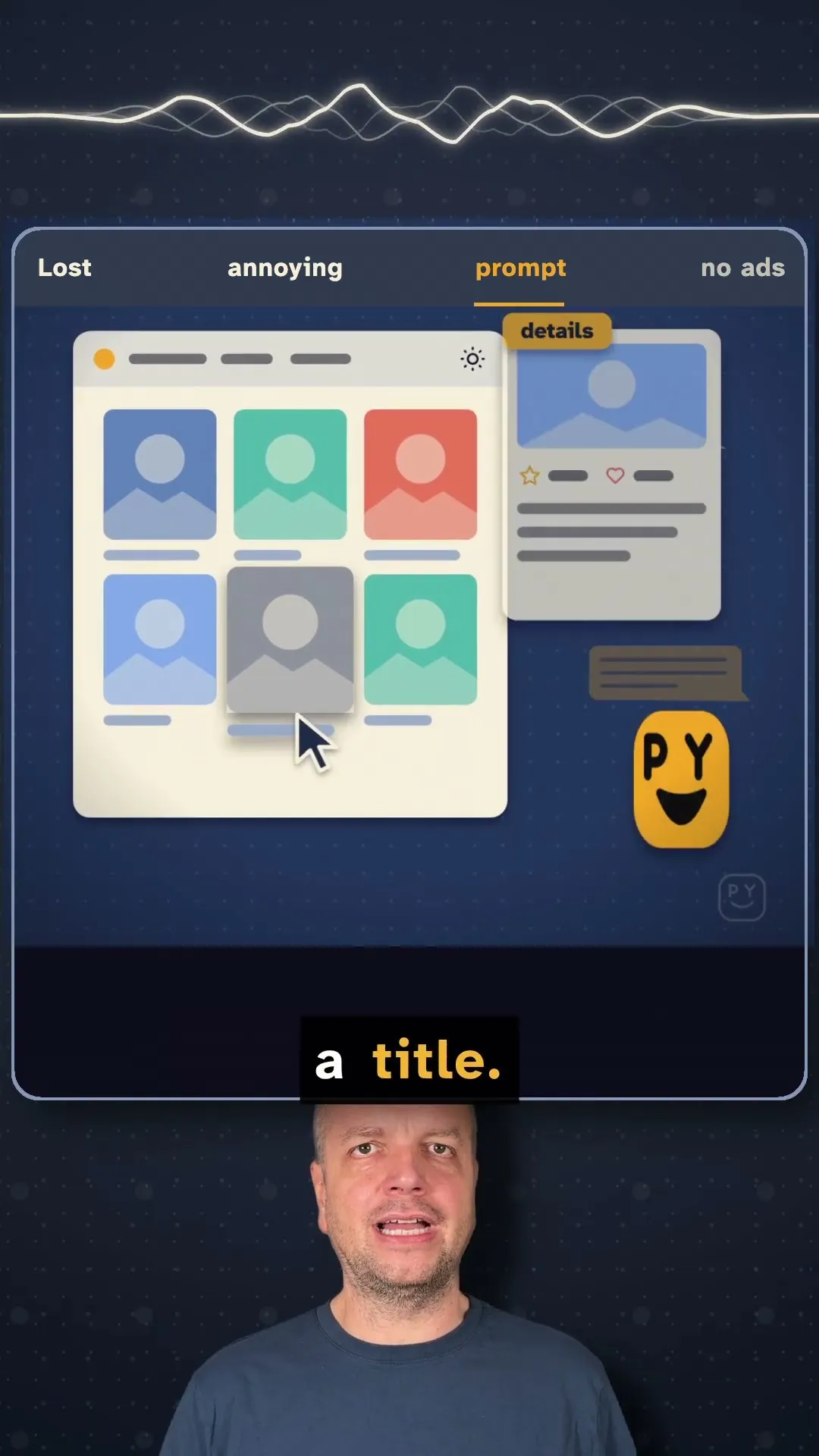
Teaching you toprompt it yourself!
Menu

Update your LinkedIn profile in a chat with your agent

  1. 1Manage my LinkedIn profile update.
  2. 2Give me a task list and a progress report after each step.
  3. 3I will review your suggestion and ask changes here in the chat.

Tip. Updating your LinkedIn profile is mostly a one-time job, like a migration project. You don't need fancy dashboards for that, just chat with your agent.

The story

A cleaned-up profile

A cleaned-up profile

Today, I cleaned up my LinkedIn profile using my new browser extension. A new headline, a new about section, and my experience rewritten for the jobs I'm targeting.

Say no in the chat

Say no in the chat

Claude reviewed everything and suggested a few more changes, and some I didn't like. So I simply told it in the chat: keep Prompt It Yourself as my current position, don't change it, and check everything else again.

A one-time job

Updating your LinkedIn profile is mostly a one-time job, like a migration project.

No fancy dashboards

You don't need fancy dashboards for that. Just chat with your agent.

A task list and a report

Prompt something like this: manage my LinkedIn profile update, give me a task list and a progress report after each step, and I will review your suggestions and ask for changes here in the chat.

Tomorrow, the first application

Tomorrow, the first application

Tomorrow, I will tailor my CV and cover letter for a real job and send my first application. Follow along and prompt it yourself.

Find more like this

What it solves