Learn to work with your AI agent.
No coding. Start with the free course, then try real prompts. Stuck? Bring it to me.


The course is free. You need your own AI subscription: Claude Pro is enough.




Start with the free course.
Fundamentals puts an AI agent on your computer. Then you build your own learning website with it, and use it to learn anything you like.
Small steps. A short video explains each idea, then I do it and you do it.

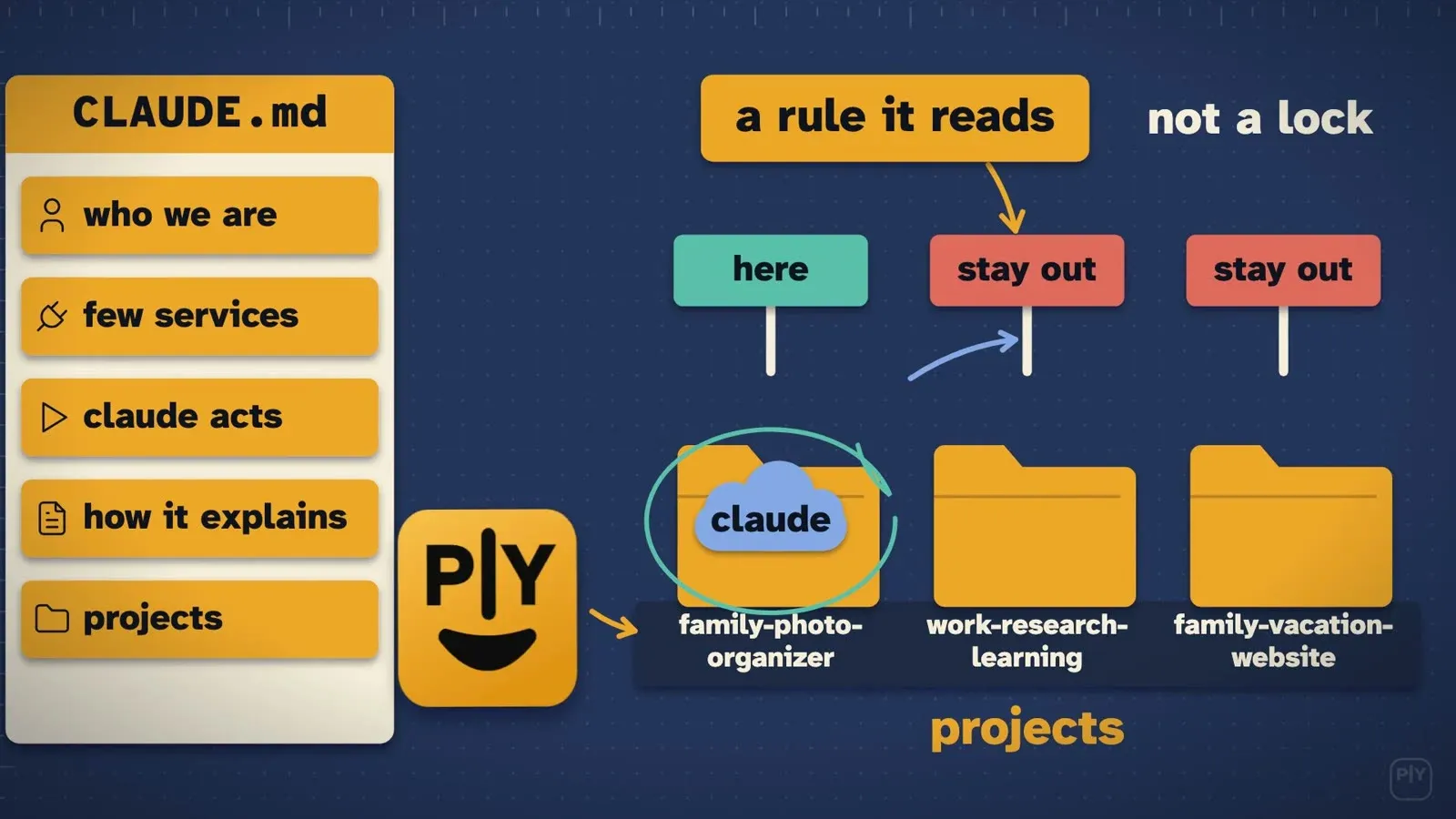
A short video explains the idea
One idea at a time, drawn with Yip. No code, no jargon.
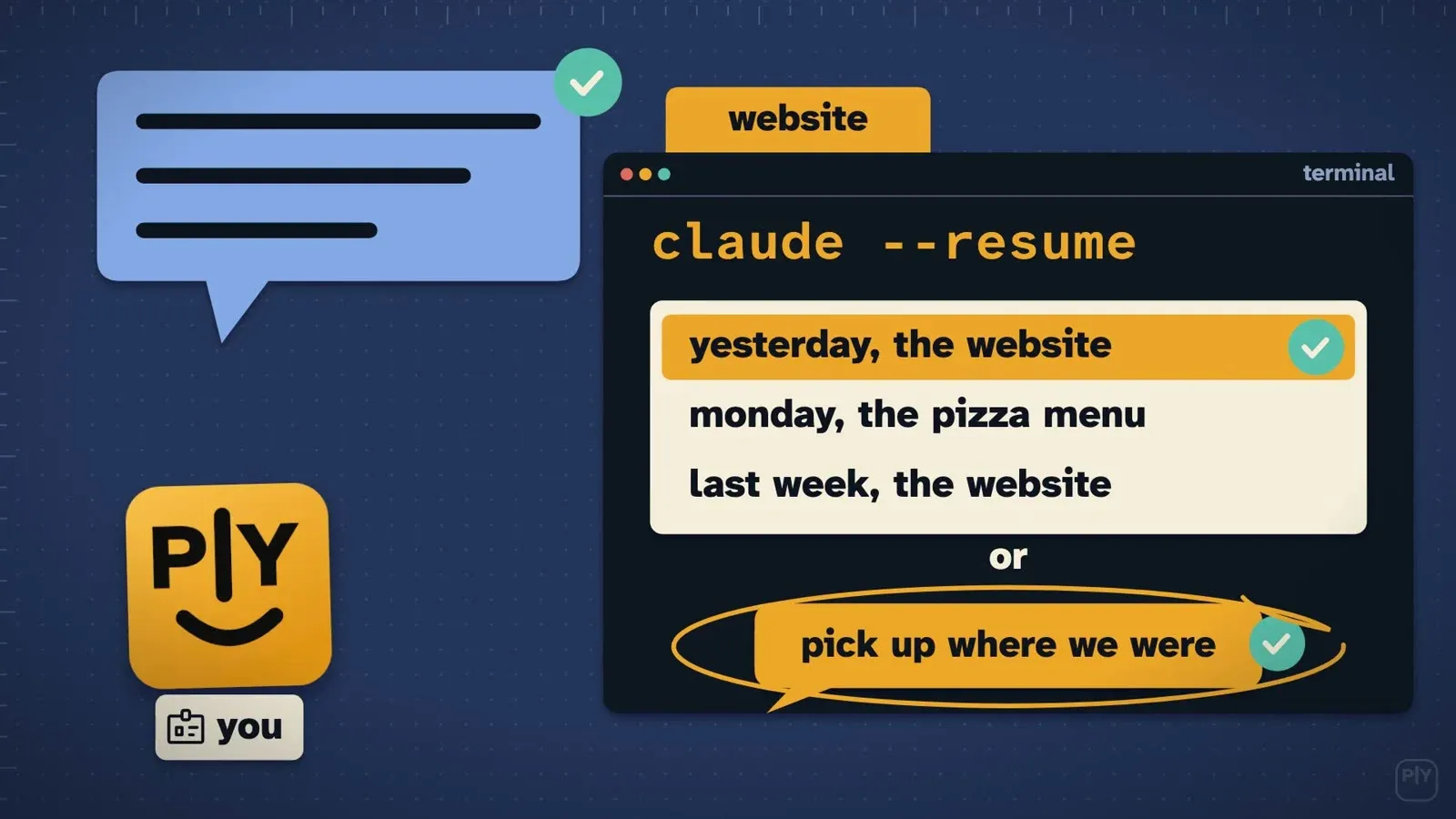
I do it, then you do it
Like on the show: the result first, then every step.
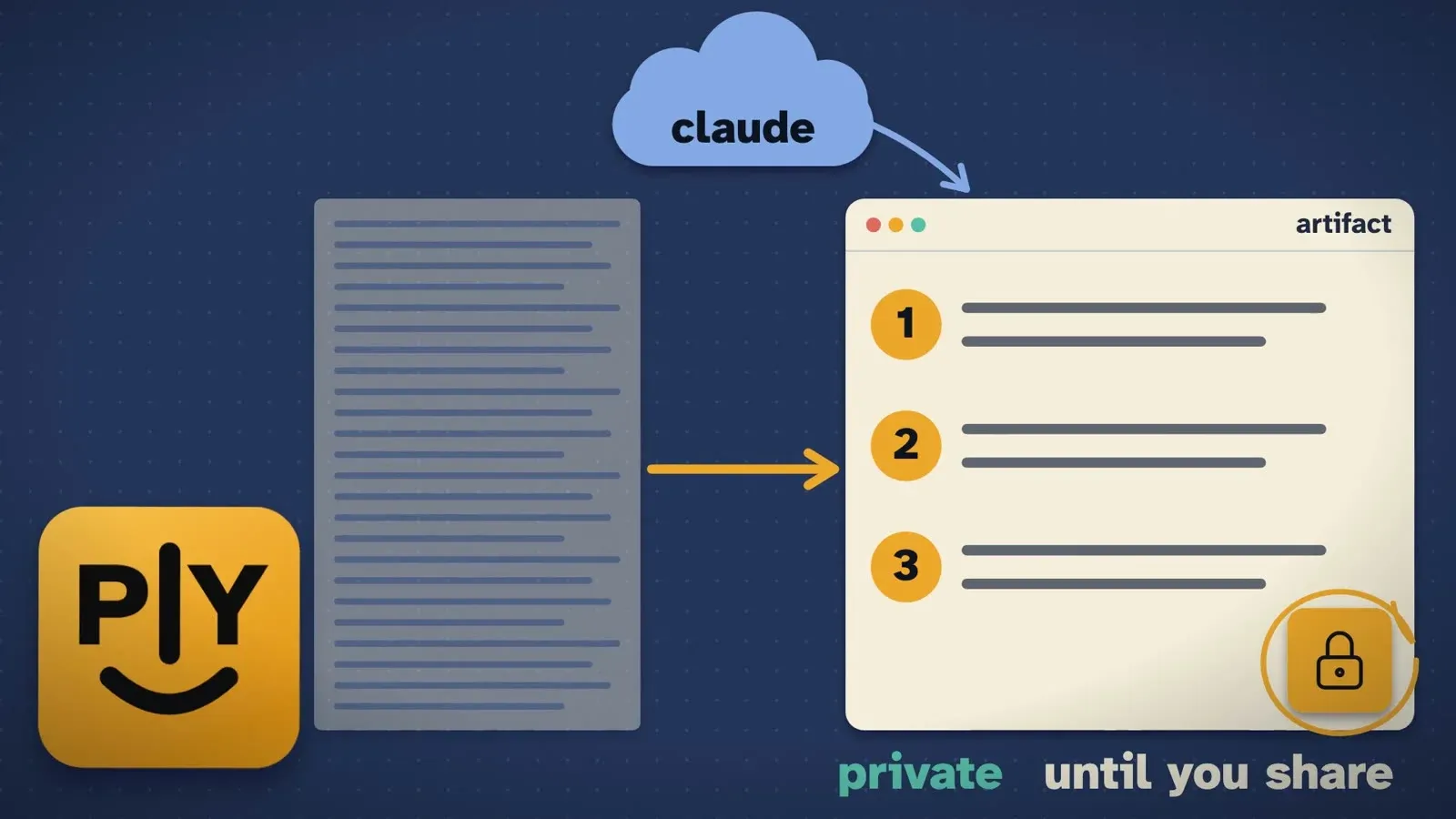
One tip at the end
A few seconds. Only one. I promise.
Then try a real prompt.
All promptsA new one most days: one real problem, the prompt I used and what happened. Copy it and make it yours.
Stuck? Bring it to the show.
Apply as a guest. We solve your problem live, on your own computer, and everybody watching learns with you. It is free.


Or work with me one to one.
Private coaching: just the two of us, on your computer, on what you want to work on. You get the recording and a short recap video.
What is an AI agent?
A chat answers you. An agent does the work: it reads your files, runs programs, builds the thing, and tells you what it did.
In the browser
- Nothing to install. A good first step.
- It cannot see your files.
- You copy, paste and run it yourself.
On your computer, in the terminal
- It works in your project folder.
- It builds, runs and checks the work.
- You learn the terminal once. It is less hard than it looks.
I use Claude Code. Codex, Gemini and the other coding agents work the same way.
Start learning. Prompt it yourself.
The first course is free. Register, and it is in your account.
Register to get access Yip