No More Chat Bubbles
I hate those tiny chatbot pop-ups. So I built Prompty, small links with useful questions inside my website's content, and a chat that opens with the right context already loaded. Here is how it works, and the prompt to build your own.
- Where
- In the terminal, with Claude Code
- Size
- A longer one
- Short link
- piy.show/s011
Why this Short, and the bubble in the corner
Every site has the same thing in the corner: a round blue bubble that says hi, how can I help, and then does not. I hate those tiny chatbot pop-ups. They are everywhere, and most of the time useless.
So I built Prompty, two days before I filmed this. He lives inside my website content as small links with useful questions. Click one and the conversation starts with the right context. He knows my website, the stories behind my videos. He can even tell jokes. Dad jokes, sorry.
The Short is seventy seconds. This page is the part the Short cannot hold: what the agent built, the rules I gave it, and the prompt to build your own.
 Why not a normal chat widget?
 Prompt it yourself
Review my website as a first-time visitor. Where would a visitor have a question, and where would a popup in the corner just be in the way?
What the popup gets wrong
The popup knows nothing about the page you are on. You read a paragraph about a session, you have a question about that paragraph, and the bubble opens with hi and a blank. You type, it says sorry, I did not understand that, can you rephrase. Three times. So you close it, and so does everyone.
The first version on my site was not much better. The agent built a question box under the title of every page. I looked at it and said it is killing the design. Then it tried boxed cards, too big, and a card beside the text, which stops the reader. The rule that came out of that day: flow into the text instead of stopping the user.
That is the design idea behind everything below. The help sits where the question comes up, as one line of text, and it stays quiet until someone clicks.
What is wrong with a chat popup? Prompt it yourself
Look at the chat widget on my site as a first-time visitor. What does it know about the page I am reading when it opens? List what it would need to know to answer my first question.
One or two questions per page, from the page itself
The agent did not write a question for every page by hand. It wrote a few lines of rules instead. A page knows what it is. An episode knows its guest's first name and whether something was built. A guest page knows how many sessions there are. A project knows if there is a download. A step on a Short knows if it has a prompt. From that, the page picks its question: What did Bernadett build? Where should I start watching? Could I do this myself?
The words are one short list, about twenty questions for the whole site, and the page fills in the name. A new page gets the right question and nobody edits anything.
Two rules keep them honest, and a check fails the build when one breaks. A question is under sixty characters and ends with a question mark. And no page asks the same question twice, which matters on a page like this one, where every step has its own.
How does a page pick its own question? Prompt it yourself
On each page, find one or two questions people might naturally ask. Do not write them per page. Find what each kind of page knows about itself and build the question from that, under sixty characters, with a question mark at the end, and never the same question twice on a page.
A small link in the text, and the chat opens loaded
The link is Prompty's face and the question, at the end of the first paragraph of the page's own text. It is a link, not a button, so it takes the size of the words it joins. A click opens the chat over the page with the question already asked, and the answer appears as it is written.
The context is the trick. Before the model sees the question, the server reads the page it was asked on, the built page's own text with its links, and a map of the whole site. Nothing else, no transcripts, no notes. So the answer is about the paragraph you were reading, and a page that changes is known the next time the site is deployed.
Two small things make it feel right. The link is hidden until the server says the AI can answer, so a site with no key, or a month with the budget spent, shows no link and no menu item at all. And the thread is one for the whole site: follow a card to another page, press back, and the chat is still there.
What does Prompty read before it answers? Prompt it yourself
Put them next to the relevant content as small links. When someone clicks, open a chat with the question and the context already loaded. The context is the text of the page it was asked on and a map of the site, nothing else.

I can help you build yours
I build things like this with an AI agent, on my own computer. In a private session I help you do the same with your idea. Or bring it to the show, free.


Keep it honest: checked links and a ceiling
A chat on your own site has two ways to embarrass you. It invents a page, or it runs up a bill. Both are handled after the model answers, not by asking it nicely.
Every link in an answer is checked against the site's own search index and the three ways to take part. A link that is not there becomes plain text, so an invented page can never be clicked. The checked links also come back as cards under the answer, with the title and the picture read off the same index, never off the model's words.
Money: each answer's cost is added to the month's total before the next question is taken. At ten dollars the chat says so and stops until the first. What it keeps is counts: questions, refusals, tokens and cost, per day and page. No question, no answer, no address. The question itself goes to the model's maker to be answered, and the privacy page says so, because that is the one place typed text leaves the site.
How do I stop the AI inventing pages? Prompt it yourself
After the model answers, check every link in the answer against my site's own index and turn any other link into plain text. Add each answer's cost to a monthly total, and stop with a friendly line when the ceiling is reached.
Give him a personality
The rules are plain English at the top of every request, and the personality is three lines of them. Casual and funny, never serious: talk like a cheeky friend who has watched every session. A light joke in most answers, never at a guest's expense. The facts stay exact, only the tone plays. That is where the dad jokes come from.
Two more lines matter as much. He is an AI on my site, not me: he never writes as Mate, and asked if he is a person, he says what he is. And he treats the site as fact, because we can believe our own website. The sessions happened, the guests built what is shown, and when the answer is not on the page he says so and points at the page most likely to have it.
Want yours to sound like you? Ask your agent to review examples from your emails and learn your communication style. Then write what it finds into those three lines.
How do I give the chat my own voice? Prompt it yourself
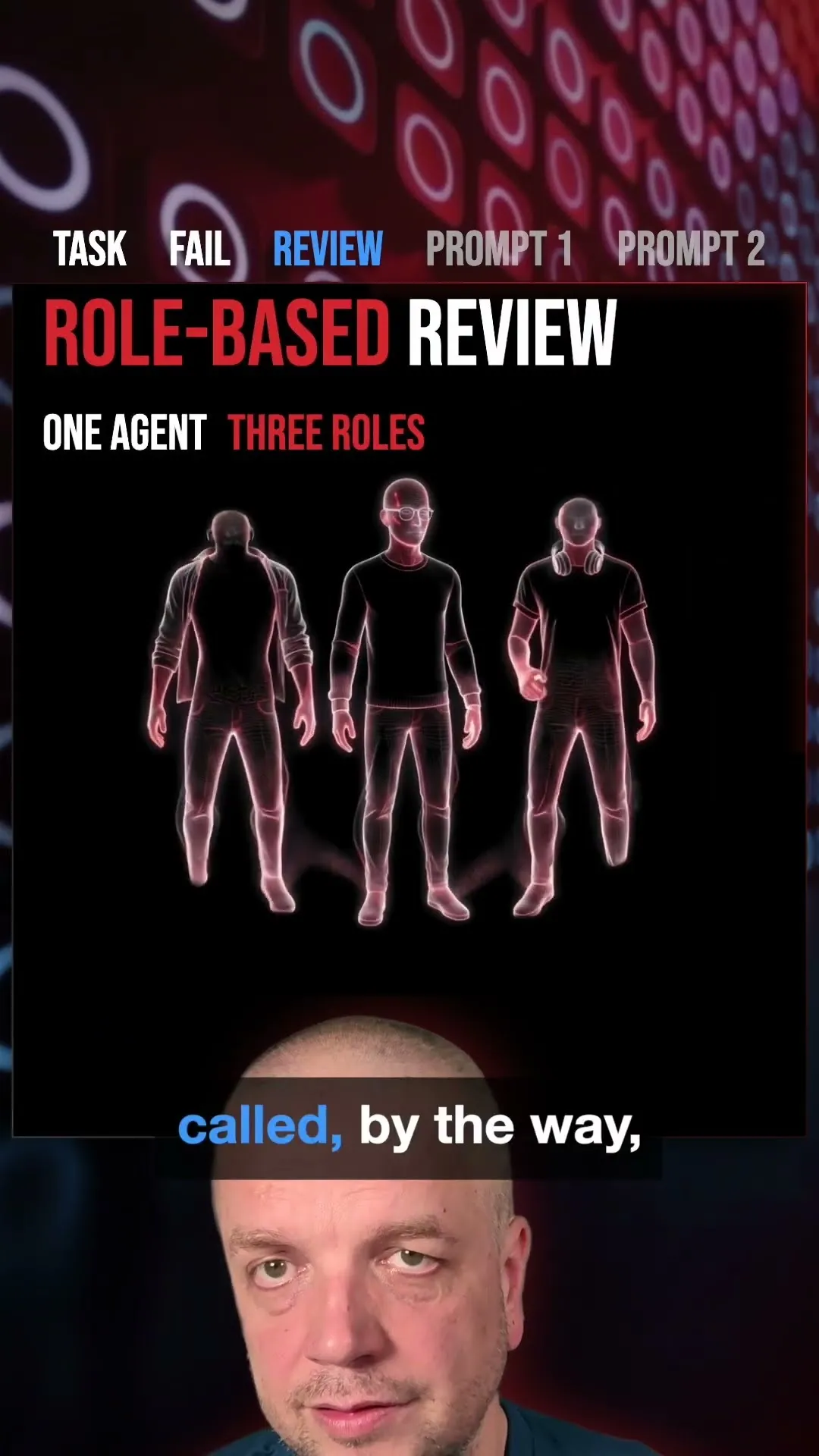
Review twenty of my sent emails and describe my communication style in five lines: how I open, how long my sentences run, what I joke about, what I never say. Then write the personality rules for my site's chat from that.
Build something unique
Before you buy yet another chatbot, build something unique, which fits your taste. The whole thing on my site was one day with the agent, most of it spent saying no to boxes. Start with the prompt from the Short, as I typed it, and let the agent read your own site first.
 What do I do next?
 Prompt it yourself
Review any website as a first-time visitor. On each page, find one or two questions people might naturally ask. Put them next to the relevant content as small links. When someone clicks, open a chat with the question and the context already loaded.
Do it in the terminal
I do this with Claude Code, the AI agent in the terminal. It works in a folder on your own computer, so it reads your files every time and can look things up for you.
A web chat works too, but there you paste everything in again in every new chat.
-
Get Claude Code
It comes with Claude Pro, US$20 a month, paid to Anthropic. Claude's plans
-
Make a folder for it, and open it
mkdir -p ~/projects/my-website && cd ~/projects/my-website
-
Start the agent
claude
-
Ask it
Review any website as a first-time visitor. On each page, find one or two questions people might naturally ask. Put them next to the relevant content as small links. When someone clicks, open a chat with the question and the context already loaded.
Never opened a terminal? In a private session I put Claude Code on your computer with you, and you start your first idea.
 Prompty