Teaching you toprompt it yourself!
Menu

Get an agent on your computer

  1. 1I have never used a terminal.
  2. 2Walk me through getting Claude Code onto my computer, one step at a time, and wait for me to say a step worked before you start the next one.

Tip. Ask for help getting your agent onto your computer, one step at a time, even if you've never used a terminal. Have it wait for you to say a step worked before starting the next one.

The story

A holiday, a genie, and a list

Tokyo DisneySea, the 25th anniversary, and the genie from Aladdin on his float. I had my list ready. A newsletter, a website, a CRM. I need everything. I told him. I told the plush genie in the shop too. I prompted him, and nothing happened.

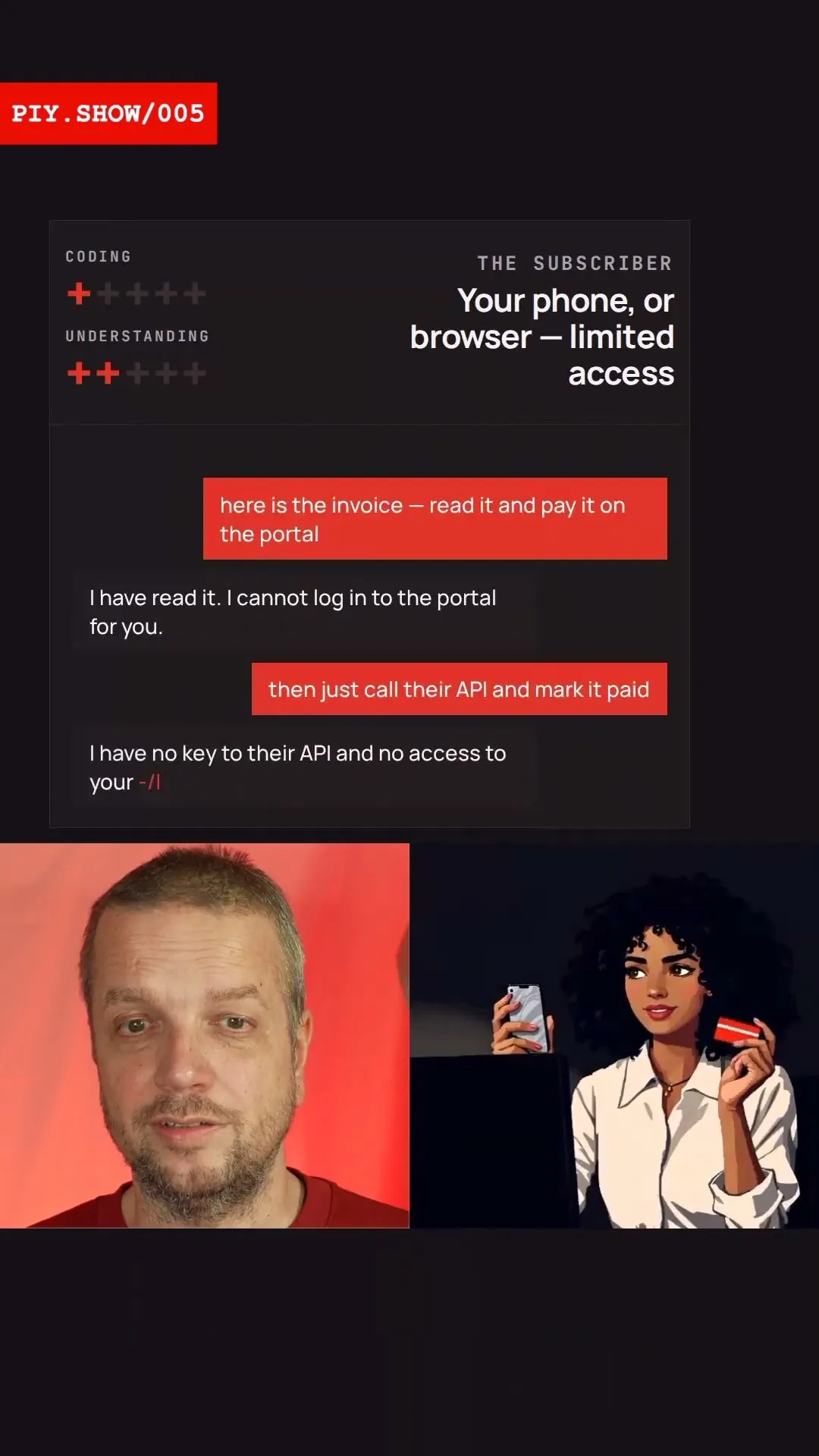
A genie in a chatbox cannot touch your files

A chat in your browser answers questions. It can write you a plan, a page of text, a piece of code. It cannot open your folder, run anything, save anything, or come back tomorrow knowing where it left off. Every time you paste, you are the hands.

What you end up with when it is in the bottle

Once the agent is on your machine, one word starts it from any folder. A bar at the bottom shows which model it uses, which folder it is in, and how full its memory is, so a slow and forgetful agent is a number you can see.

It takes two prompts and one question

Getting it there is two prompts you paste and one question you answer, Mac or Windows. About an hour, with a coffee in it. The walk-through is in my free Fundamentals course.

Start with your own list

Start with your own list

Write your list. The website, the CRM, the newsletter, whatever it is. Then put the genie in the bottle first, and give it the list on your own computer. The list is the same. The hands are new.