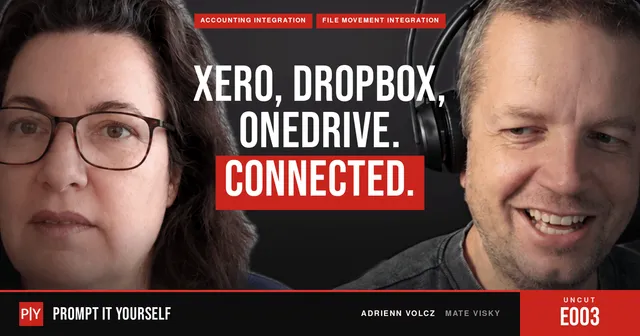
Xero, Dropbox, OneDrive. Connected.
The tools she already pays for, joined up so the same figures are not typed at both ends. The website is the next session.
-
 Adrienn Volcz
- 3h 11m, live + uncut
Where it startedAdrienn is an accountant. Every signed tax return landed in one Dropbox folder, and she moved each one to its client by hand.
The evening started badly. Everything from her last session had vanished from the screen, and the first job was getting her agent to find where she had left off. Then came the real wish, the returns. Her agent drew up a plan before it touched a single client file, and the plan was wrong in several places. She went through it one line at a time.
Roughly a quarter of what's in here will need to move across. Most files clearly say who they are for, but a dozen don't. I know that one, I have to improve on that side.

Xero was the stubborn one. It refused to connect, and its message said nothing useful. The app was asking for more than her subscription allows, and once the list was trimmed, it read her company’s name straight back. Her first wish after that was to have it run payroll on the last day of the month. I slowed her down: an email every time it does anything, and the payroll on the first of September, together.
A password went out on screen once, live, and she had to make a new one straight away. The tax office was the wall. Connecting to it needs a formal registration and a security review, so I stopped that thread. Late in the evening an email arrived in her inbox, sent by her own app.
Where it endedHer Xero connected, signed returns on their way to the right client folders, and her own app emailing her its reports. The tax office connection was stopped on purpose.
More with Adrienn
Adrienn’s story 23 projects One machine. Never sleeps. A machine of its own for the agents she already uses, so the work carries on when she shuts the laptop.
 Bill cut 250 a month. Now twenty. A rebuilt site live on her own domain by the end of the night, a signing bill cut from 250 dollars a month to twenty plus twenty cents a signature, and a booking page that cost nothing.









 Yip