Multiple Agents? Easy!
You do not need a complicated setup to run several AI agents at once. A terminal tab and a folder for each, a different job for each, and a sound when one needs you. What happened when Istvan ran four agents live, how to check on them, and my prompt.
- Where
- In the terminal, with Claude Code
- Size
- A quick one
- Short link
- piy.show/s014
A little pressure, live
I put Istvan under a little pressure during my live show. He came on to find customers for his projection mapping studio, and in four hours we found around three thousand leads. Not with one agent. With four, at the same time.
The Short is about a minute. This page is the rest: what each agent did that day, how to set it up yourself, how to keep them honest, and the prompt that makes it calm instead of chaotic.
 Can I run more than one AI agent at once?
 Agent number one, two, three, four
Agent number one built a survey for his website, one that asks what you have in mind, where, when, and the budget last. Agent number two researched his two biggest competitors: their projects, their clients and where they work. Agent number three rebuilt his website. Agent number four I opened only to show him a trick.
We went from tab to tab, like walking round an office. Everybody was working, and I like to see when everybody is working.
None of them waited for another. That is the whole idea: not one agent doing four things, but four agents doing one thing each.
 Why did this work?
 One tab and one folder each
You do not need a complicated setup. Open your terminal with several tabs, keep each project in its own folder, and start Claude from each of them.
A new tab is one key press: Command T on a Mac. In the tab, go into the project's folder with `cd`, then type `claude`. The agent in that tab works in that folder, so the jobs do not mix their files.
New to folders and the terminal? Start with one agent first. The second tab is the same three steps again.
How do I start an agent in each folder? Prompt it yourself
Show me how to open a new terminal tab, go into my project folder and start Claude there. I want one tab for each of my projects.
Different jobs
Give them different jobs. One researches potential customers, another reviews your website, and the third one plans your next holiday. Why not?
Jobs that do not touch the same files work best side by side. Two agents editing the same file is where it gets messy, so give that kind of work to one agent at a time.
One agent can also split its own job. On the show I asked agent number two to research the big events around the world for the next two years, and to create several researcher workflows for it. It started four helpers of its own, running at the bottom of its tab. Four agents became seven.
What would this look like for my work? Prompt it yourself
Research this from several angles at once. Create multiple researcher workflows, then bring their findings together in one summary.
Check on them like a team
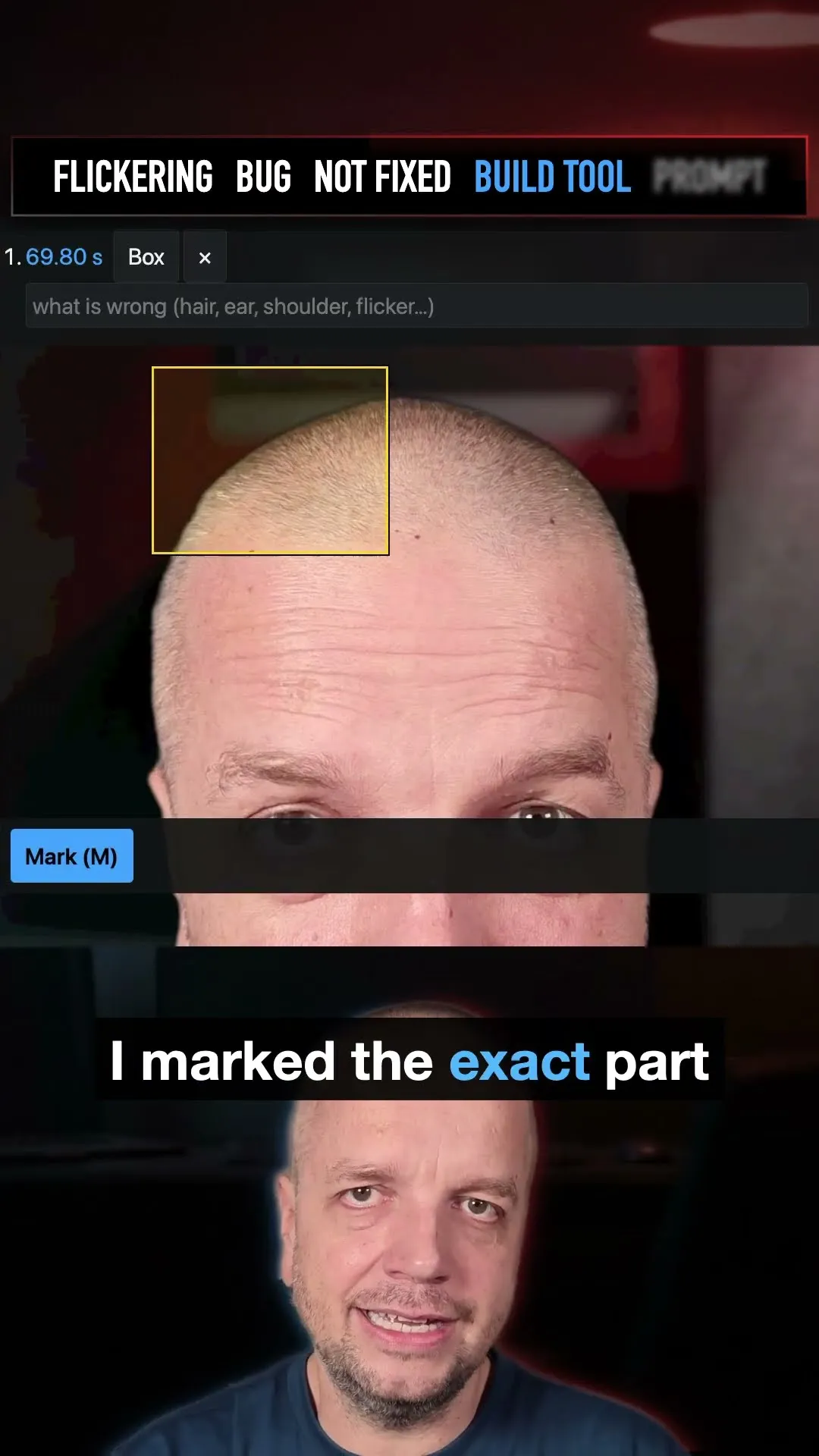
Several agents do not mean you stop looking. Agent number three told us it had built the website. It had not downloaded the pictures properly, and the animations from his old site were gone. Very lazy work.
So say it plainly, the way you would say it to a person: this is not good enough, here is what is wrong, do it again. Then I switched that agent to the smarter model, Opus, with `/model opus`. It uses up your allowance faster, and the second try was a lot better.
And keep each one busy. An agent with nothing to do stops, and an agent with a vague job does lazy work. Do not aim for 100% either: if you need a perfect job, you need a person. If 90 to 95% is good enough, an agent is perfect.
What do I do when the agent does lazy work? Prompt it yourself
This work is not good enough. The pictures did not download and the animations from the old site are missing. Check the live site again, fix both, and show me before you call it done.

I can help you build yours
I build things like this with an AI agent, on my own computer. In a private session I help you do the same with your idea. Or bring it to the show, free.




Watch the memory and the bill
Look at the bottom of each tab. The context number is the agent's memory of this conversation. When it goes up to 60 or 70%, it starts to forget what you said at the beginning. Type `/compact` and it writes itself a short summary and carries on from that.
That was the trick in tab number four: `/usage`. It shows how much of your plan this session has used, and how much of your week. Four agents use it four times as fast, so look before you open a fifth.
What does the context number mean? A sound when it needs you
Here is the little trick. Ask Claude to set up a sound alert for when it finishes and needs your attention.
Now you do not have to watch four tabs. You do something else, and the sound tells you that an agent is done or is waiting for an answer. The agent writes the rule into its own settings, so it works in every tab.
Ask it to play the sound once as a test, so you know what to listen for. Two different sounds help too: one for done, one for a question.
How does the agent play a sound when it is done? Prompt it yourself
Set up a sound alert when the agent finish and it needs your attention.
Even on your phone
You can even get a notification on your phone, so you can leave the desk while the agents work.
Wondering how? Do not look at me. Ask your agent: it knows the options for your computer and your phone, and it sets up the one you pick. Ask it to name the project in the message, so you know which agent is calling.
How do I get a notification on my phone? Prompt it yourself
When you finish or need my attention, also send a notification to my phone, with the project's name in it. Show me the options and set up the one I pick.
When one computer is not enough
The next step, once you use it more and more: another computer, just for the agents. I told Istvan what I do. I have three or four computers at home, and I run around 20 tasks on them when I have the time.
I did not set them up by hand. I bought a USB key, did the setup with AI, and it just works. A Linux box for 500 or 1,000 dollars is enough, and your own laptop stays free.
Do I need a second computer for my agents? Just ask
Several agents, a folder each, a job each, a look at the work, and a sound when one needs you. That is the whole setup.
So just prompt it yourself.
 What do I do next?
 Do it in the terminal
I do this with Claude Code, the AI agent in the terminal. It works in a folder on your own computer, so it reads your files every time and can look things up for you.
A web chat works too, but there you paste everything in again in every new chat.
-
Get Claude Code
It comes with Claude Pro, US$20 a month, paid to Anthropic. Claude's plans
-
Make a folder for it, and open it
mkdir -p ~/projects/my-idea && cd ~/projects/my-idea
-
Start the agent
claude
-
Ask it
Set up a sound alert when the agent finish and it needs your attention.
Never opened a terminal? In a private session I put Claude Code on your computer with you, and you start your first idea.

 Prompty