A countdown timer for a Stream Deck dial
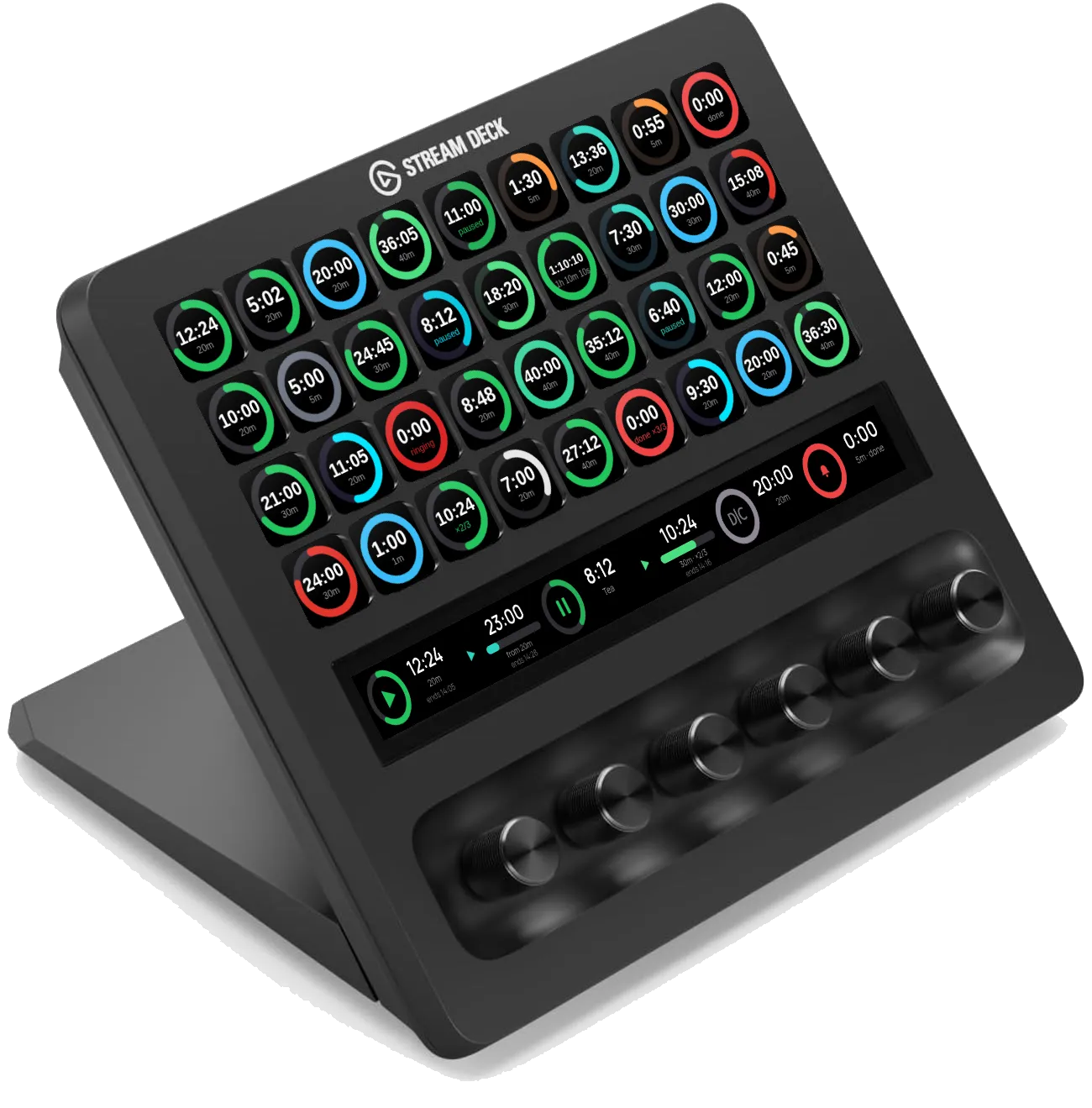
A countdown timer that lives on a Stream Deck dial, so the clock for a three hour session is under your hand instead of on another screen.
- Runs on
- Stream Deck
- Needs
- A Stream Deck for the key timer, a Stream Deck + or + XL for the dial. Mac or Windows, Stream Deck app 7.1 or newer.
- Licence
- MIT
What it does
- Press the dial to start or pause, turn it to nudge by seconds, push it in and turn to nudge by minutes
- One tap pauses, two taps reset, hold puts the clock right or loads the next preset
- Several lengths in one preset, so 40, 10, 10 runs forty minutes then ten then ten with no gap
- Shows the finish time rather than only the count, which is the useful number on a long timer
- Keeps ringing until you press it, for the alarm you must not miss
- Clears itself after a wait you set, for a timer on a page you walked away from
- Timers survive flipping to another page or profile and back
- Seven colour themes, a countdown ring or a progress bar, and a fade near the end
- Anything up to twenty four hours
What it looks like
-

Running. The ring empties as the clock does. -
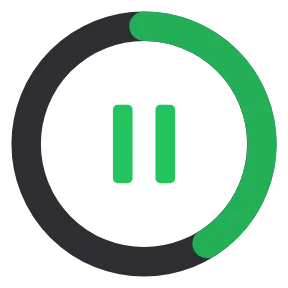
Paused, and it says so with a glyph rather than a colour change. -

Finished. It sits there until somebody presses it, or clears itself after a wait you set. -

The same timer on an ordinary key, drawing its own clock inside the ring. -

One of seven colour themes.
Latest release
5.0.0 — Dial It Countdown, the first release
The first release of Dial It Countdown: countdown timers for Stream Deck dials and keys, from Prompt It Yourself.
The show runs three or four hours, live. For a year the clock was a phone leaning against a monitor, and checking it meant looking away from the guest. A Stream Deck dial is already under your hand, so that is where the clock went.
I did not write it. I prompted it, the same way everything on this show gets made. It is open source and free.
 What does it do?


 Prompty