Record every screen of your stream
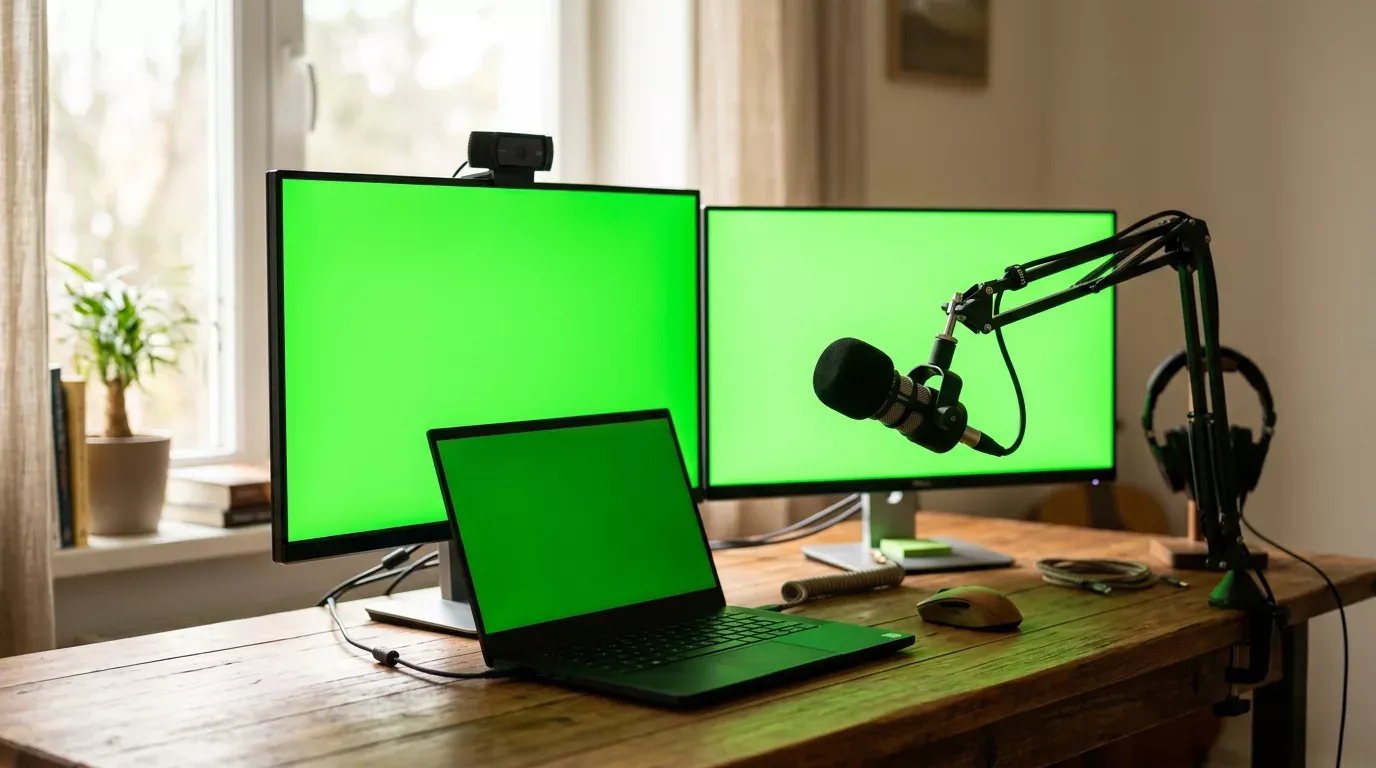
A menu bar app that records every screen, and a camera if you want one, to separate files with the same mic track, so Final Cut Pro can sync them.
- Runs on
- Mac app
- Needs
- A Mac with macOS 15 or later. You build it from source with the free Swift command line tools; Xcode is not needed.
- Licence
- MIT
What it does
- One file per screen, about 2560x1440 at 30 fps, each with your microphone on it
- The same mic track in every file, so Final Cut Pro's Synchronize Clips lines them up, and a clap at the start is the backup
- An optional camera to its own file, started before the screens so it never misses the clap
- Green or blue on every screen with one hotkey, for keying other footage onto the screens later
- Dims the screens while the colour is on, and the file still keeps the exact colour
- Hides your desktop widgets while it records and puts them back after
- Start and stop from anywhere with one hotkey
- A settings window that checks the screen, camera and microphone permissions
- Refuses to start with less than 10 GB free, and saves the files if you quit mid-recording
I stream on two screens. To edit a show in Final Cut Pro I need each screen as its own clip, and the clips have to line up.
This records every screen to its own file, and a camera if you want one. Every file carries the same microphone track, so Final Cut Pro syncs them on the sound. Clap once at the start and you have a backup.
It started as a script and became a menu bar app the same day. I did not write it. I prompted it, the same way everything on this show gets made. It is open source and free.
 What does it do?

 Prompty